Why is IPTV not working today? Checks before you contact support
Why is IPTV not working today? A printable sequence of checks that finds the cause in minutes: login, network, screen limit, app cache, decoder, and how to tell if IPTV is down.
The best IPTV box in 2026 is usually a device you already own. How to judge an Android TV box for IPTV, when a stick is enough, and why the box sold near you with channels included is the one to skip.
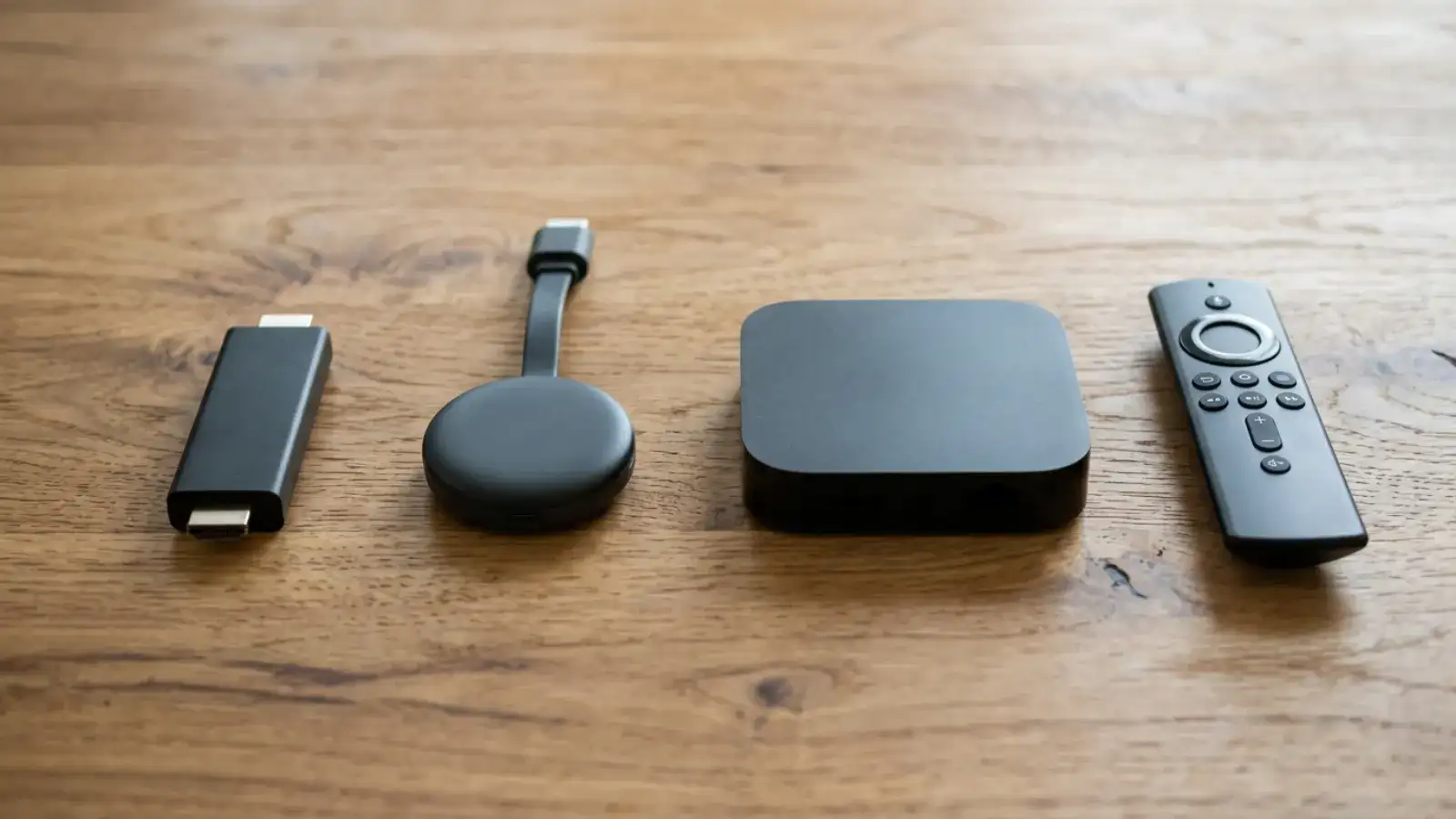
The best IPTV box in 2026 is, for most Canadian households, the one already plugged into the TV. A Fire TV Stick, an Apple TV, a Chromecast with Google TV or a recent Samsung or LG set runs an IPTV app perfectly well, and buying a dedicated box on top of it is money spent for no visible gain. There is a real case for a dedicated Android TV box, but it is narrower than the marketplace listings suggest, and it never includes the box that comes "with channels". This post sets out how I judge a box, which kinds hold up, and when a stick is the smarter buy.
An IPTV box is a small computer that connects to a TV by HDMI and to your network by Ethernet or Wi-Fi, and runs a player app that signs in to an IPTV service. That is all. The box does not contain television; the service does. Any device that can run a player app, from a phone to a Smart TV, is functionally an IPTV box. The hardware category exists because older TVs cannot run apps and because some viewers want Ethernet, more memory and a remote with a number pad for live TV. Our IPTV box guide covers the basics; this post is about choosing.
Run this test before reading further. Does your TV have a Fire TV Stick, an Apple TV, a Chromecast with Google TV, a Roku or a built-in app store from 2016 or later? If yes, you do not need a box. Install a player, enter your login, and you are done; the install hub has steps for each. You need a box, or at least a stick, only if the TV is not smart or its app store is dead.
If you are still here, you fall into one of two groups: your TV genuinely cannot run apps, or you want a better living-room experience than a stick gives. Both are legitimate; they lead to different purchases.
I judge every box on the same five points, and marketing copy on none of them.
A box that is strong on all five is a good IPTV box regardless of its brand. A box that fails points 1 or 2 is a bad one regardless of its price.
Names, because readers ask, with the caveat that models change and these are the types I see working reliably for IPTV True North customers:
For MAG boxes, which use a portal address instead of an app, the MAG section of the install hub explains the different setup.
Searches for "iptv box near me" surface classified ads and small shops selling boxes pre-loaded with a subscription, often with a cash price and a phone number. The appeal is obvious: someone sets it up, you plug it in. The problem is structural. The shop is not the provider, you have no visibility of the terms, and when the box stops working in six months there is nobody to call. The honest alternative is to buy the hardware from any electronics retailer, choose a provider that publishes its prices and terms, and spend fifteen minutes on setup with a guide. If you want someone to set it up for you, ask a provider that offers a trial and a live chat to walk you through it.
| Streaming stick | Dedicated Android TV box | |
|---|---|---|
| Price | Low | Two to four times a stick |
| Ethernet | Adapter needed | Built in on good models |
| Memory | Enough for one player | Enough for two players and a big guide |
| Remote | Basic | Often TV-style with number pad |
| Best for | Bedrooms, travel, most rooms | Main TV, heavy live-TV viewers, wired setups |
For a household on a multi-screen plan, the pattern that works is one good box on the main TV and sticks or built-in apps everywhere else; the best IPTV box for a bedroom is almost always a stick.
The sequence is identical on every device: install a player (TiviMate on Android TV and Fire TV, IPTV Smarters Pro almost everywhere else), choose the Xtream Codes login, enter the server URL, username and password from your provider's e-mail, and wait for the channel list and guide. With IPTV True North the login arrives by e-mail after you request the 24-hour trial in the live chat, so you can test the box with real streams before paying for a plan.
For a main TV with a wired connection, an Android TV box with Ethernet, at least 2 GB of RAM and Google Play, such as the Nvidia Shield or a Formuler. For everything else a current streaming stick is better value. The best box is never one sold with channels included.
The Nvidia Shield for performance and updates; a Formuler for a TV-style remote and a built-in IPTV player. Both run TiviMate from Google Play and have Ethernet.
Major electronics retailers and the manufacturers' own stores. Buy the hardware alone, without a bundled subscription, then add the service you choose.
Prices vary widely by model and retailer; a stick is cheap, a premium box costs several times more. We do not sell hardware and do not quote device prices. Our service prices are on the price page.
Almost certainly. Any Fire TV, Android TV, Apple TV, Roku or recent Smart TV runs an IPTV app. Install a player, enter your login, done.
Before you spend anything on hardware, request the 24-hour free trial from IPTV True North in the live chat, install a player on the device already plugged into your TV, and watch for an evening. If it holds up, you have saved the cost of a box. If the stick struggles, you now know exactly which of the five points to shop for.
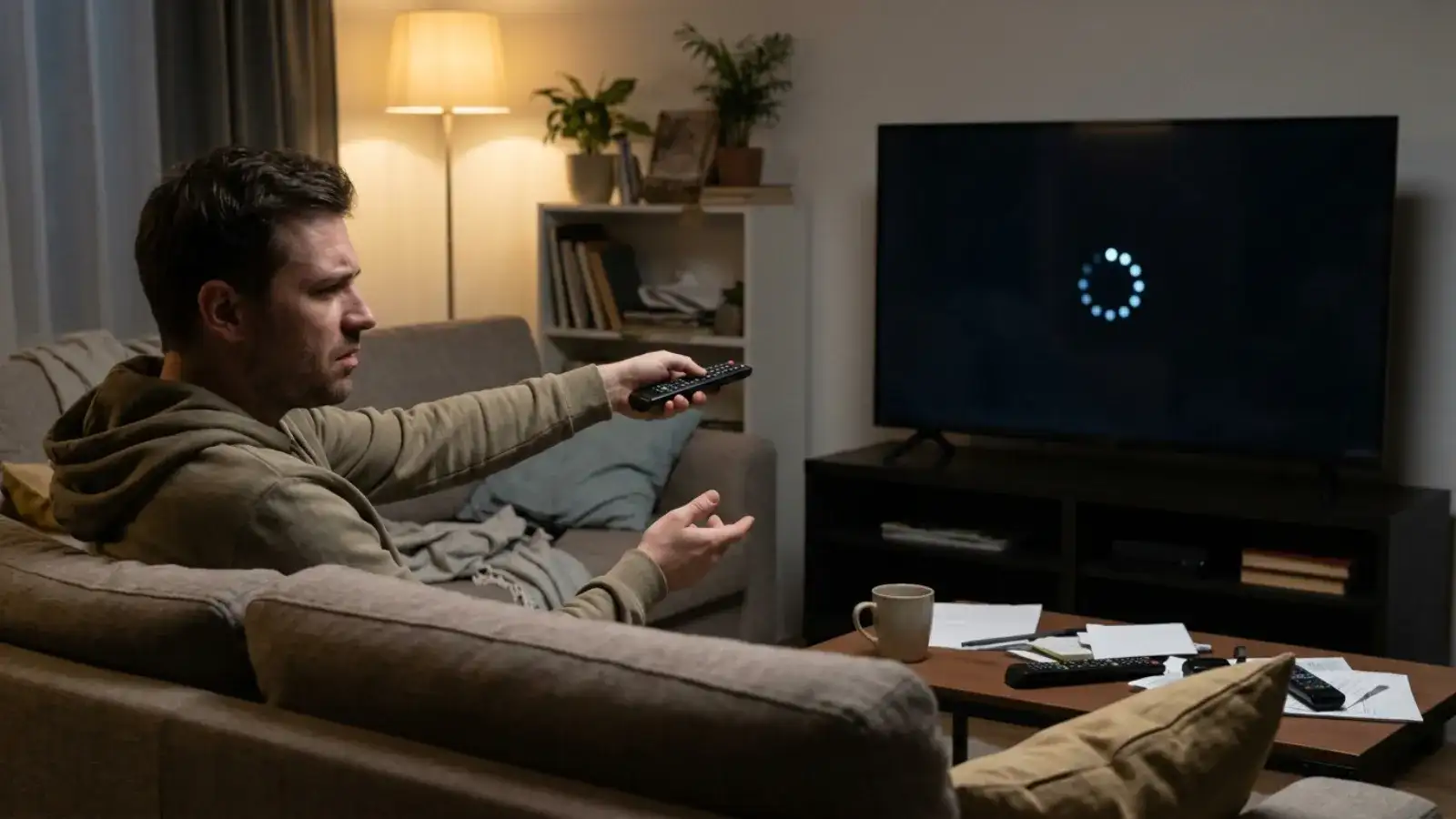 Guide
Why is IPTV not working today? A printable sequence of checks that finds the cause in minutes: login, network, screen limit, app cache, decoder, and how to tell if IPTV is down.
 Guide
How does IPTV work? A plain explanation of the technology, what it does and does not include, what it needs from your internet connection, and how it compares with cable.
Ask for the free trial in the chat. No payment details, your own TV.