How does IPTV work? What IPTV is and how it works in Canada
How does IPTV work? A plain explanation of the technology, what it does and does not include, what it needs from your internet connection, and how it compares with cable.
Why is IPTV not working today? A printable sequence of checks that finds the cause in minutes: login, network, screen limit, app cache, decoder, and how to tell if IPTV is down.
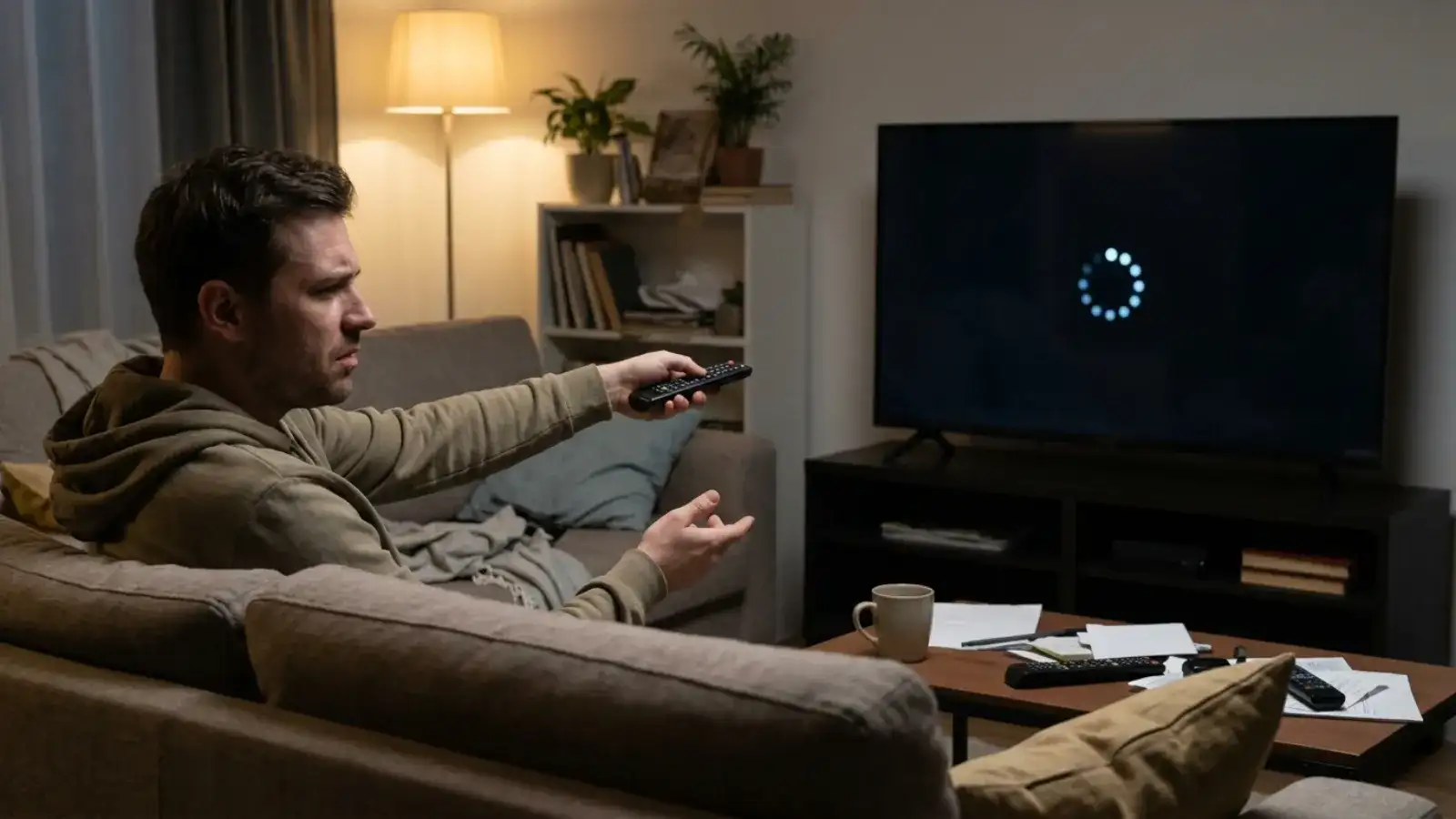
Why is IPTV not working today, when it worked last night? In almost every case I have looked at, the answer is in the house, not at the provider: a device update that broke the player, a router that rebooted onto a weaker Wi-Fi band, a second screen that quietly took the plan's only slot, or a login retyped with a stray space. This post is the sequence I run before I message anyone. It takes about ten minutes, and most of the time I never get to the end.
Before touching any setting, isolate the problem. Pick up your phone, turn off Wi-Fi so it uses mobile data, open your IPTV app and try the same channel.
This one test saves more time than everything else combined, because it tells you which half of the problem space to ignore.
"Invalid details", "authentication failed", "playlist failed to load": these all mean the same thing. Compare the server URL, username and password in the app with the e-mail from your provider, one character at a time. Look specifically for a space at the end of the password (phones add them when autocorrect finishes a word), a capital letter where there should be a lower-case one, and a missing http:// or port number at the end of the server address. If the device lets you paste, paste.
Open another streaming app or a web browser on the same device. If that also fails or crawls, the problem is the connection, not IPTV. Smart TVs in particular drop their Wi-Fi quietly and show no warning until an app complains.
This is the one people miss. A single-screen plan plays on one device at a time. If the bedroom TV was left on a channel, even paused, the living-room TV will not start a stream. Walk around the house, stop the other stream, try again. Households that hit this regularly are the ones the 2-, 3- and 4-screen plans exist for.
Try a different channel in a different category. If one stream fails and the rest play, the fault is at the source of that particular stream, not in your setup; it typically resolves on its own, and telling the provider helps them log it. If everything fails, continue.
After a device system update, player apps often crash or refuse to log in until their cache is cleared. On Fire TV: Settings, Applications, Manage Installed Applications, your player, Clear cache. On Android TV: Settings, Apps, your player, Clear cache. If that does not fix it, Clear data, then log in again from the e-mail.
A black screen with sound, sound with no picture, a stretched image or stuttering on specific channels only: these are decoder symptoms. In TiviMate: Settings, Player, Decoder, switch between hardware and software. In IPTV Smarters Pro: Settings, Player Selection, try the alternative player. One of the two usually fixes it immediately.
An empty programme guide looks alarming but is not a playback fault. Force a guide refresh in the app and wait a few minutes; the first download is the slowest. Channels will play with or without the guide.
Thirty seconds off, then on. Unglamorous, and effective often enough that it stays on the list. Restart the router first, wait for it to come fully up, then the device.
A rebooted router may have reconnected the TV to the 2.4 GHz band, which is slower and more crowded. Reconnect to the 5 GHz network if your router offers one. Better still, if the TV or stick can take an Ethernet cable, use it; this single change fixes more IPTV freezing than everything else on this page put together.
If the stream is fine at 3 pm and freezes at 8 pm, you are seeing peak-hour congestion on your home network or your street. The provider is sending the same stream at both times; what changes is how many devices in your house and your neighbourhood are online. Fixes, in order of effect:
A VPN, incidentally, makes this worse rather than better: it adds another hop. You do not need one to use IPTV True North.
Install a second player, TiviMate or IPTV Smarters Pro, and enter the same login. If the second app plays, the first needs reinstalling. If both fail, the cause is upstream of the app: network, login or service.
Ten minutes of checks mean you can now send a message that gets a fix in one reply instead of five. Include:
With IPTV True North that goes into the live chat on the site, 24/7, in English, or to [email protected]. The full twelve-point version of this list, with device-specific notes, is on our IPTV not working page, and the setup steps for every device are in the install hub.
Usually one of four overnight changes: a device update that broke the player (clear its cache), a router reboot onto weaker Wi-Fi (reconnect to 5 GHz or use Ethernet), a second screen taking your plan's slot (stop the other stream), or a single channel's source being off (try another). If every channel fails on every device including mobile data, contact support.
Test on a phone over mobile data. If it plays, the service is up and the problem is local. If it fails there too, ask the provider's chat; a wider issue will be confirmed there.
Peak-hour Wi-Fi congestion is the most common cause. Connect the TV by Ethernet, switch to 5 GHz, pause other downloads and increase the app's buffer.
After a Fire OS update the player often needs its cache cleared: Settings, Applications, Manage Installed Applications, your player, Clear cache. If it still fails, reinstall from the Appstore or via Downloader.
Ethernet first, then 5 GHz Wi-Fi, then fewer competing devices, then a larger buffer in the app. If buffering persists on Ethernet at every hour, report it with times and device.
If you are reading this before choosing a provider, the best test is the one you run yourself. IPTV True North offers a 24-hour free trial with no payment details, requested in the live chat. Run it through an evening peak on your own connection and see how it holds up.
 Guide
How does IPTV work? A plain explanation of the technology, what it does and does not include, what it needs from your internet connection, and how it compares with cable.
 Guide
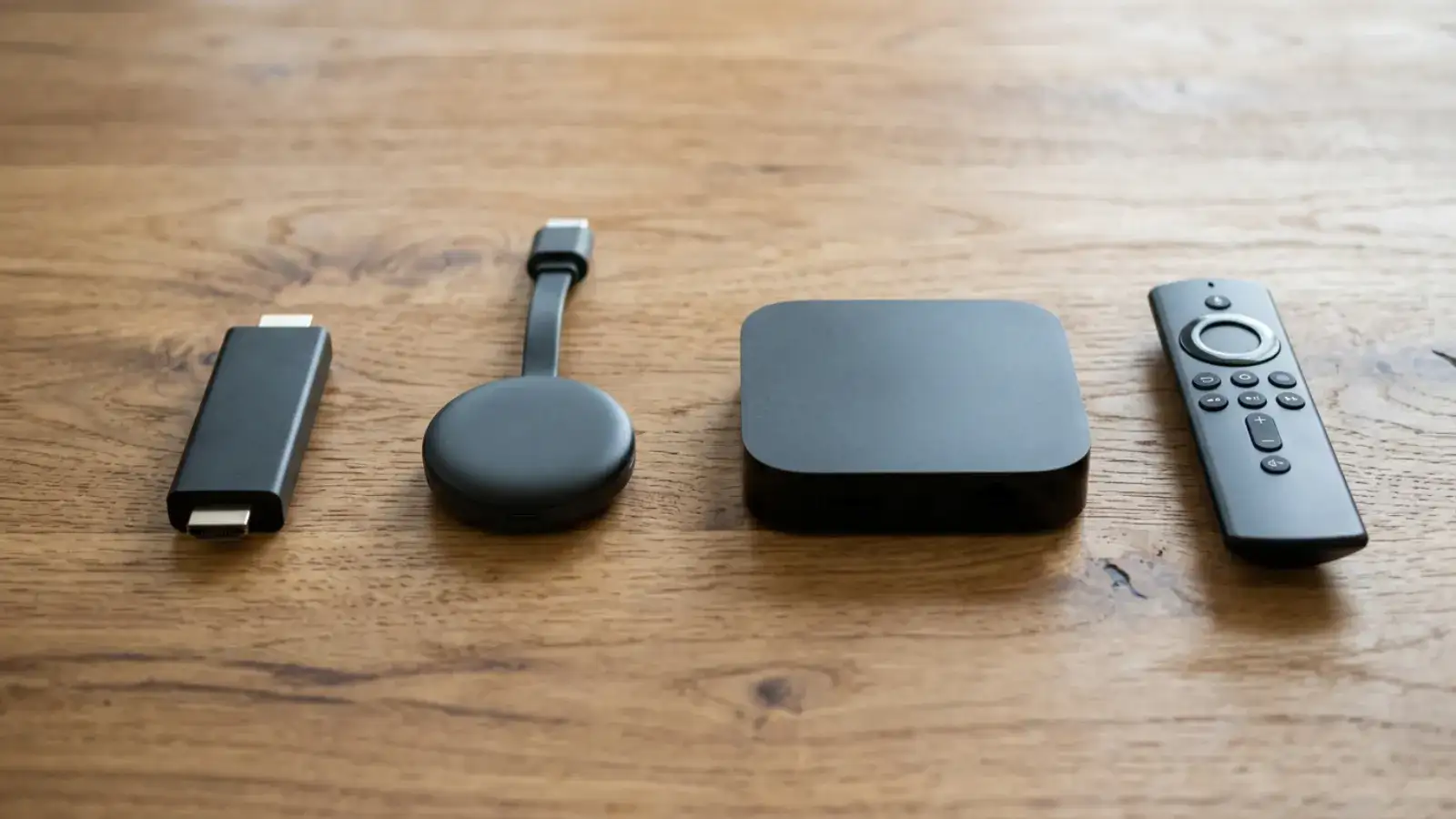
The best IPTV box in 2026 is usually a device you already own. How to judge an Android TV box for IPTV, when a stick is enough, and why the box sold near you with channels included is the one to skip.
Ask for the free trial in the chat. No payment details, your own TV.