IPTV not working? Fix it step by step
IPTV not working? The cause is almost always one of five things: a login typed wrong, a device that is not actually online, a plan's screen limit already in use, an app that needs its cache cleared, or a home network that is struggling at peak time. Only rarely is the service itself down. This page gives you twelve checks in the order that finds the cause fastest, then a section on buffering specifically, then how to tell whether IPTV is down for everyone or only for you. If none of it helps, the live chat on this site is open 24/7.
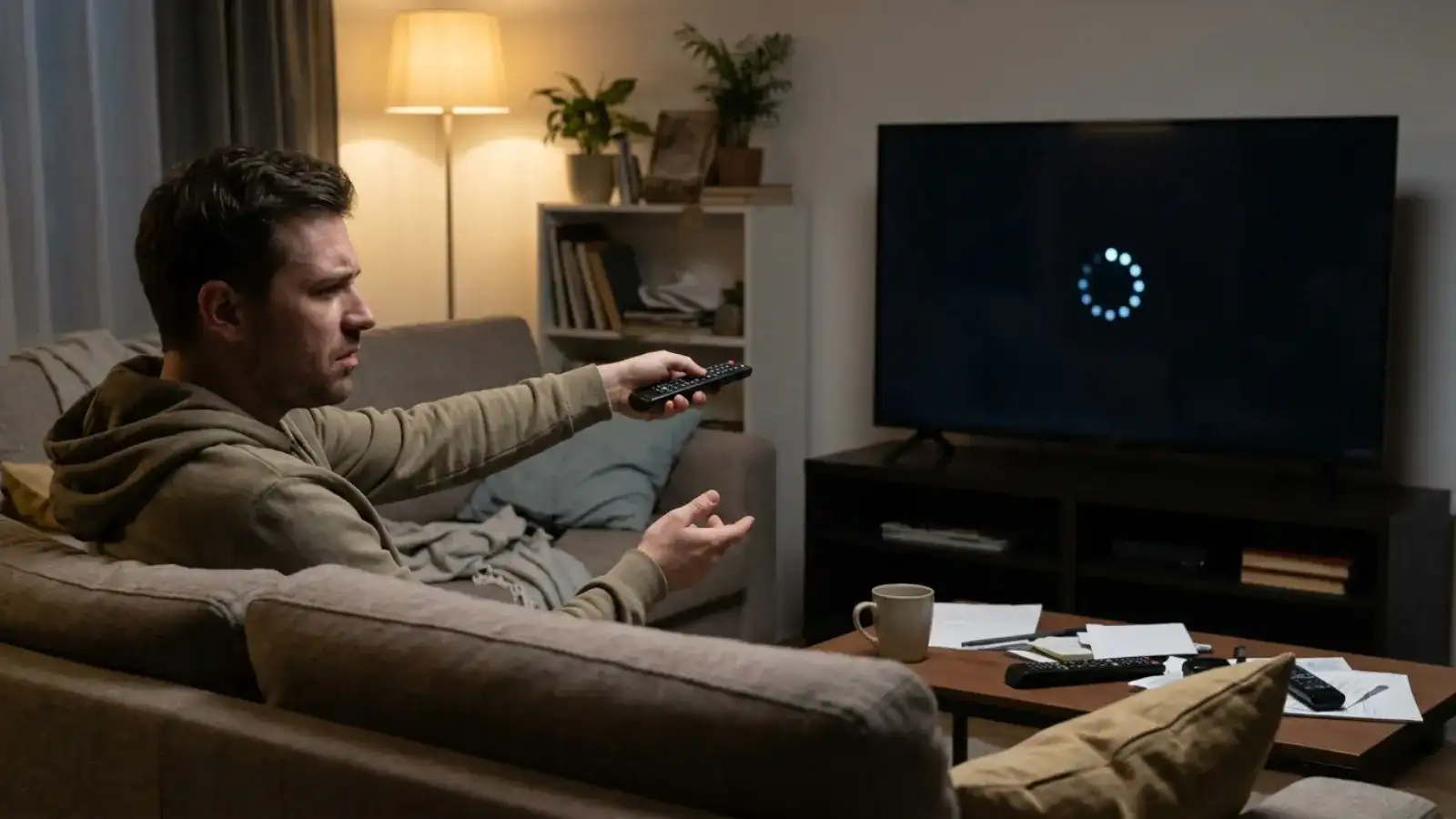
Is IPTV down, or is it just me?
Before anything else, isolate the problem. Try the same channel on a second device, ideally a phone on mobile data rather than your home Wi-Fi. If it plays on the phone, the service is up and the cause is on your TV, your app or your home network, and the checks below will find it. If it fails on both and on mobile data too, open the live chat and tell us the time, the channel category and what the app shows; if there is a wider issue, the agent will tell you straight away.
| What you see | Most likely cause | Jump to |
|---|---|---|
| "Invalid login" or "authentication failed" | Typo in the login details | Check 1 |
| Channel list loads, nothing plays | Device offline, or screen limit in use | Checks 2 and 3 |
| Plays for a few seconds, then stalls | Home network or Wi-Fi | Buffering section |
| App crashes or "has stopped" | App cache | Check 5 |
| Picture but no sound, or sound but no picture | Decoder setting | Check 6 |
| EPG empty | Guide not yet downloaded | Check 7 |
| Everything fails on every device, including mobile data | Possible wider issue | Live chat |
The 12 checks, in order
- Re-enter the login. Compare the server URL, username and password with the e-mail character by character. A trailing space, a capital letter or a missing port number is the single most common cause. Copy and paste if the device allows it.
- Confirm the device is online. Open another streaming app or a browser on the same device. If it is also failing, the problem is the connection, not IPTV.
- Check your screen limit. A 1-screen plan plays on one device at a time. If the living-room TV is paused but still "on" a channel, the phone will not play. Stop the stream on the other device and try again. Multi-screen plans are on the subscription hub.
- Try a different channel and category. If one stream fails and the rest work, the fault is at the source of that stream, not your setup; it usually resolves on its own. Tell us in the chat so we can log it.
- Clear the app's cache. Device Settings, Apps, your player, Clear cache. On Fire TV: Settings, Applications, Manage Installed Applications. If that fails, Clear data and log in again.
- Switch the decoder. In the app's player settings change from hardware to software decoding (or the reverse). Fixes black screen with audio, stuttering on specific channels and aspect-ratio problems.
- Refresh the EPG. An empty guide is not a stream problem. Force an EPG update in the app and wait a few minutes.
- Restart the device and the router. Power both off for thirty seconds. Unglamorous, frequently effective.
- Check for an app update. An outdated player after a device system update is a common cause of crashes. Update from the store for your device; avoid modified APKs.
- Test on Ethernet. If the TV is on Wi-Fi, connect a cable (Fire TV needs an adapter). If the problem disappears, it was Wi-Fi.
- Check for a VPN or ad-blocker. A VPN adds a hop and can slow or interrupt streams; network-wide ad blockers sometimes block the player's EPG or login server. Switch them off to test. You do not need a VPN to use IPTV True North.
- Try a second app. Install TiviMate or IPTV Smarters Pro alongside your current player and enter the same login. If the second app plays, the first needs reinstalling.
IPTV buffering: why it happens and what fixes it
Buffering means the stream arrives more slowly than it plays. The stream itself is a steady few megabits per second; what varies is the path between our server and your screen, and the weakest link is almost always inside your home.
Why does my iptv keep freezing at the same time every evening? Because the evening is when every household on your street and every device in your house is online at once. Wi-Fi congestion, not the service, is the usual cause. A wired connection to the TV removes it entirely.
Fixes in order of effect:
- Ethernet to the main TV. The single largest improvement available.
- Move the router or the device. Walls, floors and microwave ovens all cost Wi-Fi throughput. Switch to the 5 GHz band if your router offers it.
- Reduce competition. Pause large downloads, cloud backups and other streams on the same network.
- Increase the app's buffer. TiviMate: Settings, Player, Buffer size. Smarters: Settings, Player Selection, try the alternative player.
- Check your plan with your internet provider. One HD stream is comfortable on about 25 Mbps; four screens at once need proportionally more. See the 4-screen plan notes on bandwidth.
- Check the time of day pattern. If buffering only happens at peak hours and only on Wi-Fi, points 1 to 3 are the answer; if it happens at all hours on Ethernet too, tell us in the chat.
Why is IPTV not working today when it worked yesterday?
Usually one of four things changed overnight: the device installed a system update that broke the player (check 9), the router rebooted and the TV reconnected to a weaker band (check 10), someone else in the house started a stream and took your screen slot (check 3), or a single channel's source is temporarily off (check 4). Work through those four first. If every channel fails on every device including mobile data, open the chat and tell us; a wider issue, if there is one, will be confirmed there.
Device-specific notes
- Fire TV Stick Lite and older sticks: limited memory; keep one player installed, clear its cache monthly, and avoid running other apps in the background.
- Samsung and LG Smart TVs: the TV's own store app may lag behind; if a Smart IPTV or IBO Player playlist stops loading, re-upload the M3U link on the developer's activation page.
- Roku: M3U-based players depend on the developer's upload page being reachable; if it is down, the app fails even though the service is up.
- Apple TV: after a tvOS update, re-open the player and let it re-download the playlist once.
- MAG boxes: a portal change on our side needs the new portal URL entered under Settings, Servers; ask in the chat.
Setup steps for each device are in the install hub.
When to contact support, and what to say
Open the live chat when the twelve checks have not fixed it, or straight away if every device fails including on mobile data. Tell us:
- Device and app (for example "Fire TV Stick 4K, TiviMate")
- What fails: login, one channel, all channels, buffering
- Whether it works on another device or on mobile data
- Roughly when it started
Support is in English, 24/7, in the chat on this site or at [email protected]. Our blog post IPTV not working? Checks before you contact support is a shorter printable version of this page.
Frequently asked questions
Is iptv down right now?
Test on a second device over mobile data. If it plays there, the service is up and the cause is local; follow the twelve checks. If it fails there too, open the live chat; the agent will tell you whether there is a wider issue.
Why does my iptv buffer so much?
Most often Wi-Fi congestion at peak hours. Connect the TV by Ethernet, switch to the 5 GHz band, pause other downloads and increase the app's buffer. Full list in the buffering section above.
Why is my iptv not working on firestick after an update?
The player app may need an update or a cache clear. Settings, Applications, Manage Installed Applications, your player, Clear cache. If it still fails, reinstall from the Appstore or via Downloader. See the Fire TV section of the install hub.
How to fix iptv buffering on a Smart TV?
Smart TVs have weak Wi-Fi radios. Use the TV's Ethernet port, or move a Fire TV Stick with an Ethernet adapter into a spare HDMI port. Then increase the buffer in the app if the option exists.
Does a vpn help with iptv buffering?
No. A VPN adds a hop and usually makes buffering worse. You do not need one to use IPTV True North; switch it off while testing.
The channel list loaded but every stream says "no connection". What now?
Check the device is online in another app, then check that your plan's screen limit is not in use on another device. Those two account for most of these cases.
Still not working?
Open the live chat, name your device, your app and the step that fails. Someone is there 24/7.
Open the chat or, if you are still evaluating, start the 24-hour free trial
Still not working?
Open the chat, 24/7. Tell us your device, your app and what fails, and a person walks you through it.