Why is IPTV not working today? Checks before you contact support
Why is IPTV not working today? A printable sequence of checks that finds the cause in minutes: login, network, screen limit, app cache, decoder, and how to tell if IPTV is down.
How does IPTV work? A plain explanation of the technology, what it does and does not include, what it needs from your internet connection, and how it compares with cable.
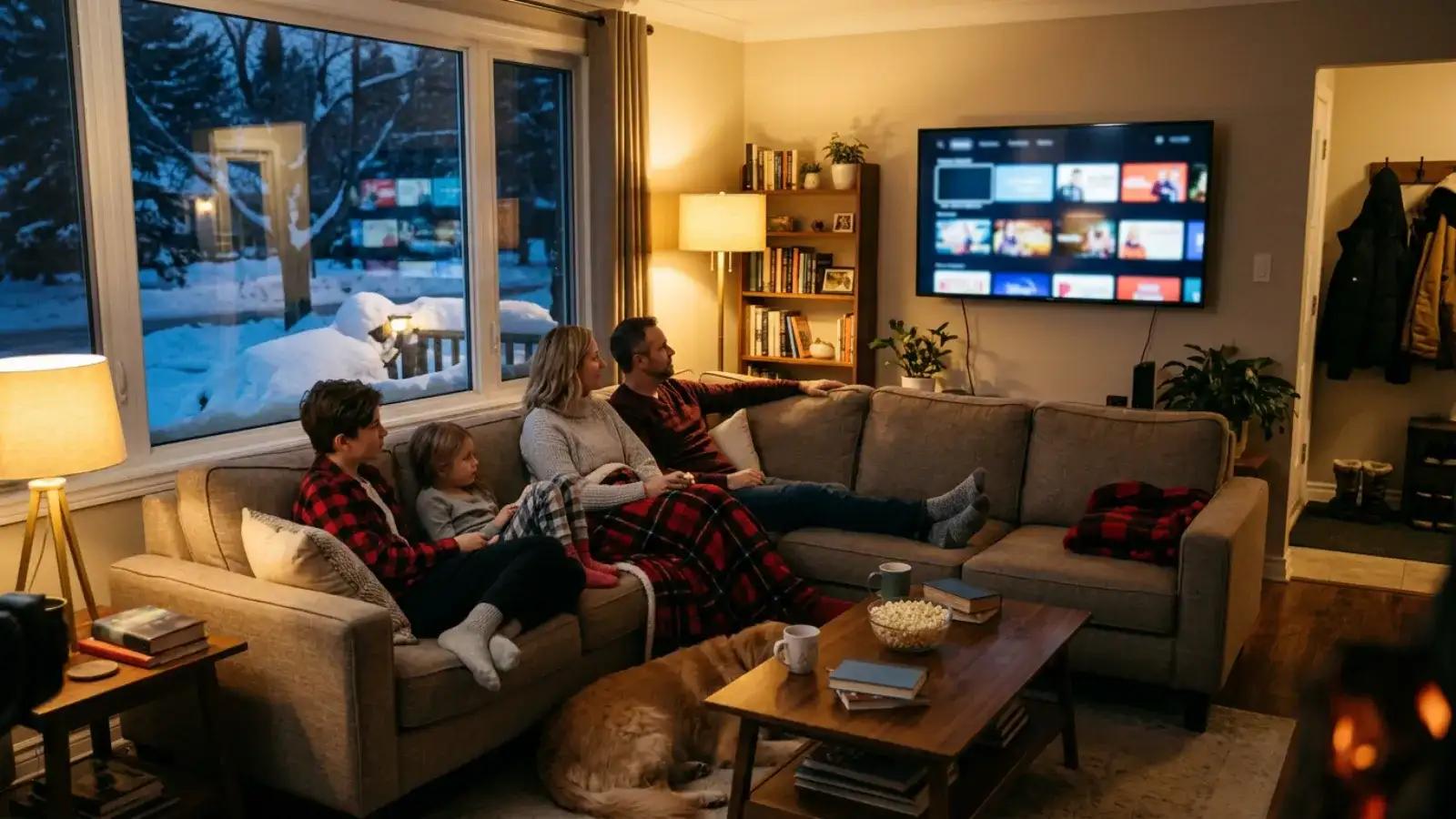
How does IPTV work? In one sentence: a server holds the television streams, your device asks for the one you want, and the server sends only that stream across your internet connection to an app that plays it. Everything else, the logins, the playlists, the guide, the devices, is detail around that one idea. This guide explains the detail without jargon, for a Canadian reader deciding whether IPTV is the right way to watch television in their home.
IPTV stands for Internet Protocol Television. "Internet Protocol" is the addressing and routing system that moves every packet of data across the internet, from a web page to a video call. IPTV is television carried over that same system instead of over a dedicated broadcast network. The term dates back to the 1990s and originally described the closed TV products telecoms built on their own networks; today it also covers any TV service you watch through an app on an internet-connected device.
The important point is that IPTV names a transport method, not a content package. It says nothing about what is in the stream or who supplies it, which is why "is IPTV legal" has no single answer; see the neutral explainer on the law.
Here is what happens between pressing a button on your remote and seeing a picture:
Change channel and steps 3 to 5 repeat. Nothing is broadcast to you that you did not ask for, which is the main technical difference from cable and satellite.
Cable and satellite are one-to-many broadcast systems: every channel is transmitted all the time to every subscriber, and the receiver tunes to the one you want. That is why they need dedicated infrastructure (a coaxial network or a dish) and a rented receiver that can decrypt the signal.
IPTV is one-to-one on demand: the server sends you only the stream you request, over the general-purpose internet connection you already have. Consequences:
| Cable or satellite | IPTV | |
|---|---|---|
| Delivery | Everything broadcast at once | Only what you request |
| Hardware | Rented receiver, dish or cable outlet | Any device that runs an app |
| Adding a TV | Another receiver, another fee | Another screen on your plan |
| On-demand | Partial, through the receiver | Integrated with live TV |
| Contract | Usually long, with hardware | Depends on provider; with IPTV True North, fixed term, no auto-renewal |
| Depends on | The provider's network | Your internet connection |
The last row is the honest trade-off. IPTV is only as good as the connection it runs over.
Streaming apps are also IPTV in the technical sense; they deliver video over IP to an app. The practical difference is scope and billing. A typical streaming app is a single on-demand library billed monthly to a stored card. An IPTV subscription of the kind IPTV True North sells combines live television across many categories with on-demand movies and series in a single player, on a fixed term with no stored payment method. Which suits you depends on whether you mostly watch live (sports, news) or mostly on demand.
Every IPTV service hands you one of two things, and most apps accept both.
Xtream Codes is a login: a server URL, a username and a password. The app uses them to request the channel list, the on-demand catalogues and the programme guide from the server, all together. It is the better format when you have it, because everything loads automatically.
M3U is a playlist: a single long link that returns a text file listing every stream and its address. It is older and more universal (VLC on a laptop will play it), but the programme guide usually needs a separate EPG link, and on-demand libraries may not be included.
When you request a trial or order a plan from IPTV True North, both arrive by e-mail. Our install hub shows where to enter each in every common app.
EPG is the Electronic Programme Guide, the grid showing what is on now and next on each channel. It is separate data from the video itself; the app downloads it from the server and matches it to channels by an identifier. That is why a guide can be empty while channels play perfectly: the guide has not yet downloaded, or the identifiers did not match. In practice, with an Xtream Codes login, the guide appears a few minutes after first login and refreshes daily. A good EPG is what turns a list of streams into something that feels like television.
One HD stream uses roughly 2 to 3 GB of data per hour; a 4K stream uses more. For speed, a stable connection of about 25 Mbps is comfortable for a single HD stream, and most Canadian cable and fibre plans of 100 Mbps or more handle two to four streams at once without strain. On slower DSL or fixed-wireless connections, IPTV still works, but a wired Ethernet connection to the TV matters more.
If your internet plan has a monthly data cap, count the hours you expect to watch and multiply. Many Canadian plans are now unlimited, but not all.
Buffering happens when the stream arrives more slowly than it plays. Because IPTV travels over your general internet connection, every other device in the house competes with it: a phone backing up photos, a console downloading a game, a laptop on a video call. Wi-Fi adds its own variability. The server can be sending a perfect stream while the last three metres from your router to your TV drop packets.
This is why the standard advice is to connect the main TV by Ethernet. It removes the most variable link in the chain. Our IPTV not working checklist covers the rest.
Three things: a device, an app and a login.
Plans are on the IPTV subscription hub: $19 CAD for one month, $79 CAD for twelve months or $139 CAD for twenty-four months on one screen, and $129, $169 or $199 CAD for twelve months on two, three or four screens, tax included, fixed term, no auto-renewal.
That depends on how you watch. If most of your viewing is live (sports, news, a kids' block running in the afternoon), IPTV gives you that across categories in one app on hardware you own, without a receiver rental. If most of your viewing is a single on-demand library, a streaming app may be all you need. The honest way to decide is to run a 24-hour trial on your own TV, during the evening peak, and compare it with what you pay now.
IPTV is television delivered over the internet as data. You sign in to a player app with a login from a provider, the app downloads the channel list and guide, and when you pick a programme the server streams only that programme to your device. It plays on Smart TVs, sticks, boxes, phones and computers.
Internet Protocol Television: television carried over the same Internet Protocol that moves every other kind of data across the internet.
The same way it works anywhere: a provider login, a player app, and your own internet connection. The Canadian specifics are the price in CAD, support in Canadian time zones, and whether your internet plan has a data cap. IPTV True North prices in CAD with tax included and staffs its live chat 24/7.
The player apps are mostly free; the service is not. A provider login carries a price, and offers of "free IPTV" are usually either a short trial or something you should be cautious about. IPTV True North offers a genuine 24-hour trial without payment details, after which plans start at $19 CAD.
About 2 to 3 GB per hour for HD. Over a month of two hours a night that is in the range of 120 to 180 GB. Check your internet plan's cap if it has one.
Reading about how IPTV works is one thing; watching it on your own connection at 9 pm is another. IPTV True North offers a 24-hour free trial with no payment details, requested in the live chat. If it holds up, plans start at $19 CAD on a fixed term that never auto-renews.
 Guide
Why is IPTV not working today? A printable sequence of checks that finds the cause in minutes: login, network, screen limit, app cache, decoder, and how to tell if IPTV is down.
 Guide
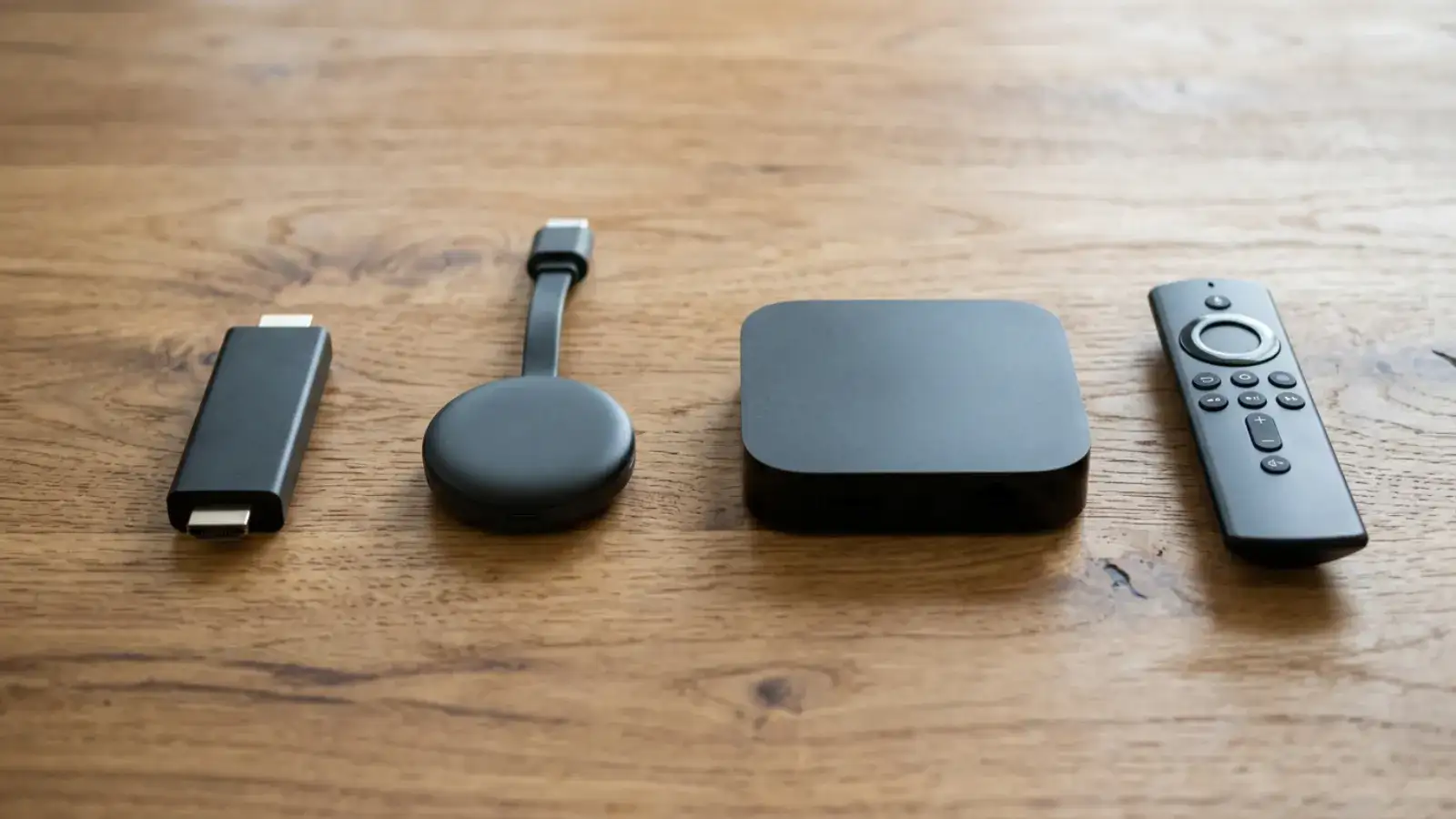
The best IPTV box in 2026 is usually a device you already own. How to judge an Android TV box for IPTV, when a stick is enough, and why the box sold near you with channels included is the one to skip.
Ask for the free trial in the chat. No payment details, your own TV.